













Your list keeps growing — where do you even start?
Summarize the YouTube videos and PDFs you've saved up, and keep them neatly organized.
Does any of this sound familiar?

Buried under a growing watch-later list (33, office worker)
Ooh, I should watch this properly later.
I bookmarked every useful video I came across on my commute, and now they've piled up. Watching them all would take half a day.

Overwhelmed before reading a single page (27, graduate student)
Just reading it will use up all my energy.
I finally found the research I needed — 98 pages to get through, and none of it in my language. And this can't be the only source. I'm overwhelmed already.

Underwhelmed by AI summaries (23, university student)
Why does it keep summarizing whatever it feels like?
I handed it to an AI, and it ignored the context and summarized whatever it liked. Rewriting the prompt every single time is exhausting.


It's time to try LiveWiki.
LiveWiki turns the videos and documents you need to get through into accurate, easy-to-read summaries.
You'll grasp it all without watching every minute, and without the effort. Focus only on what actually matters to you.
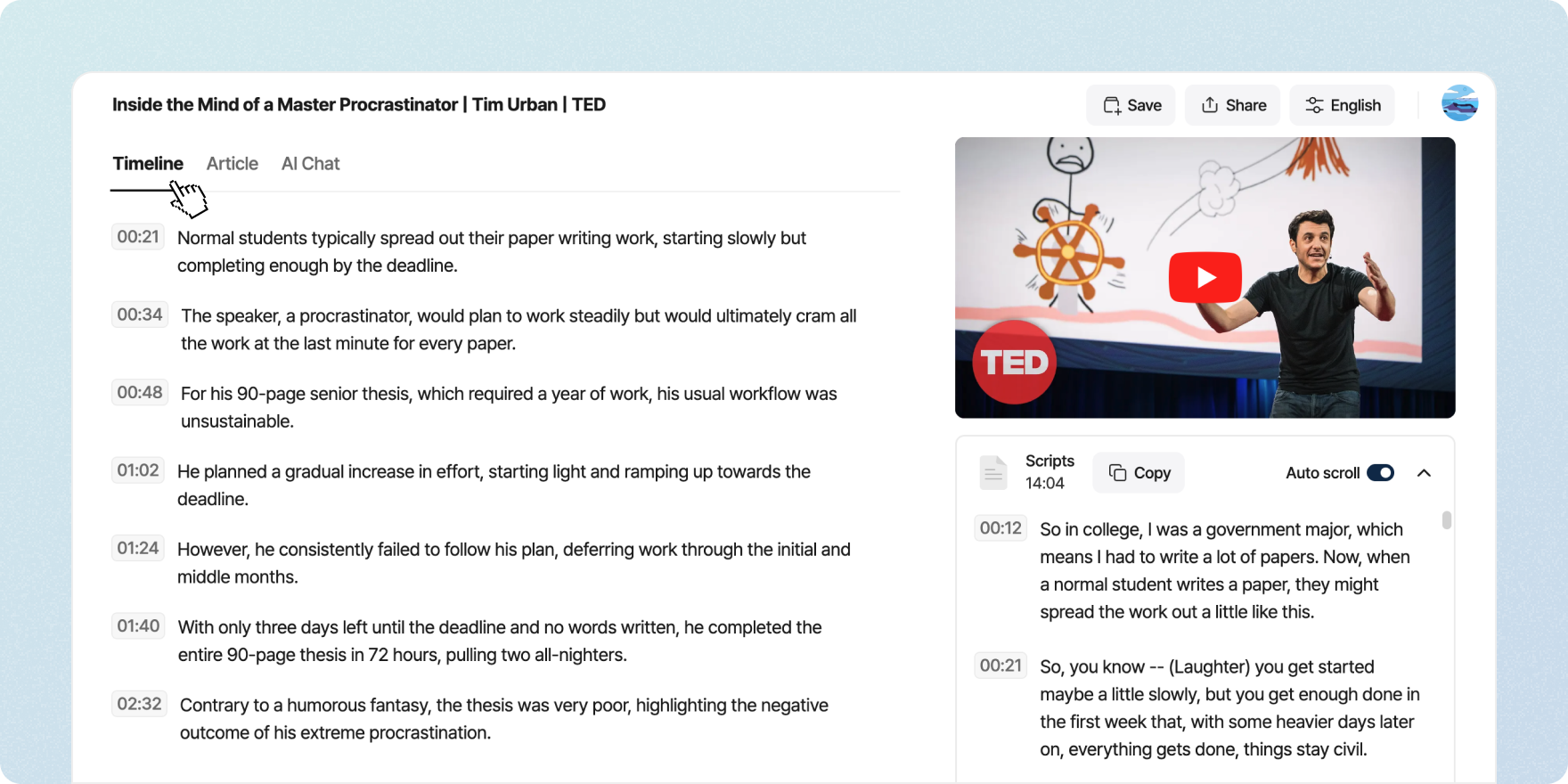
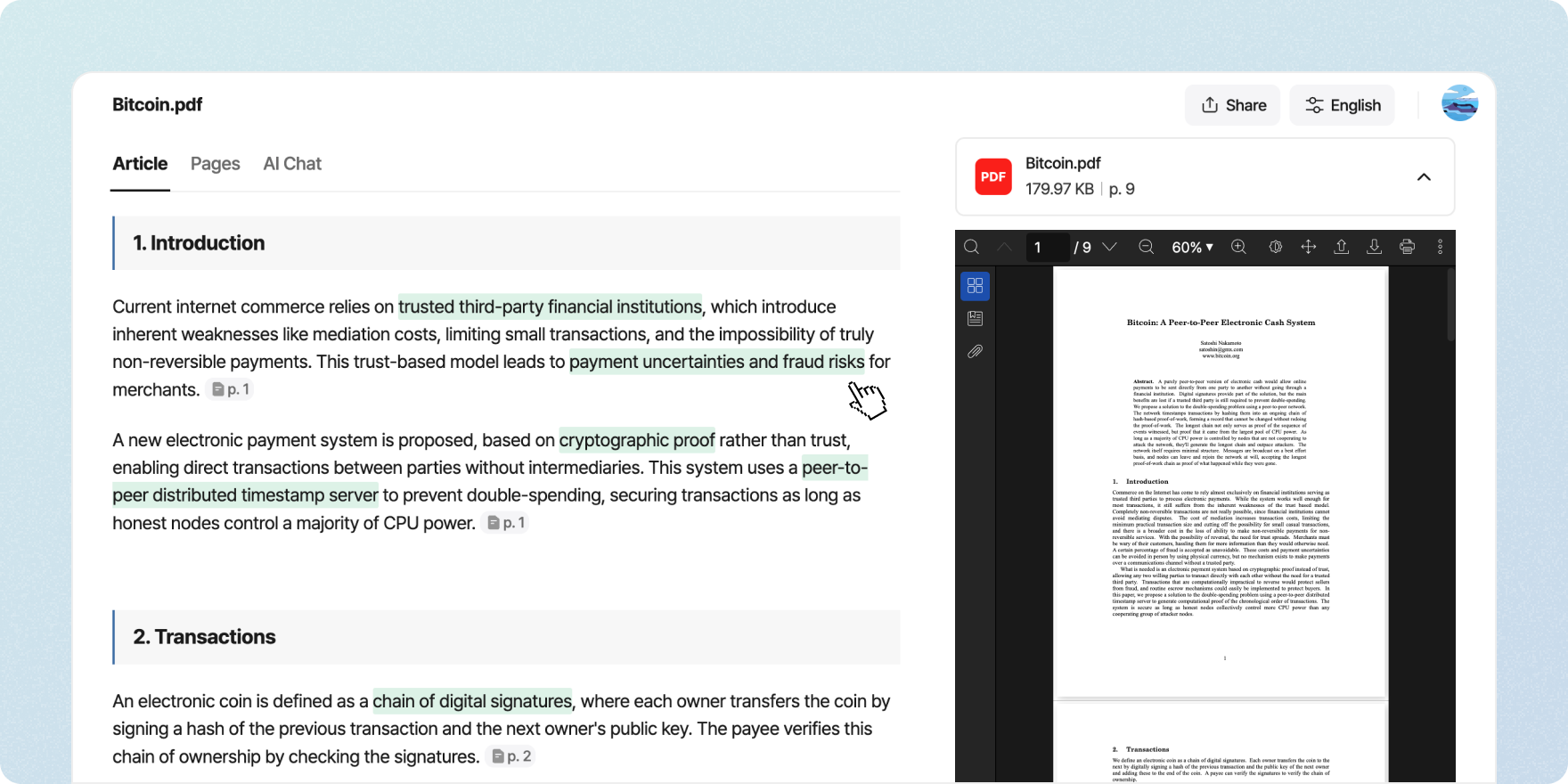
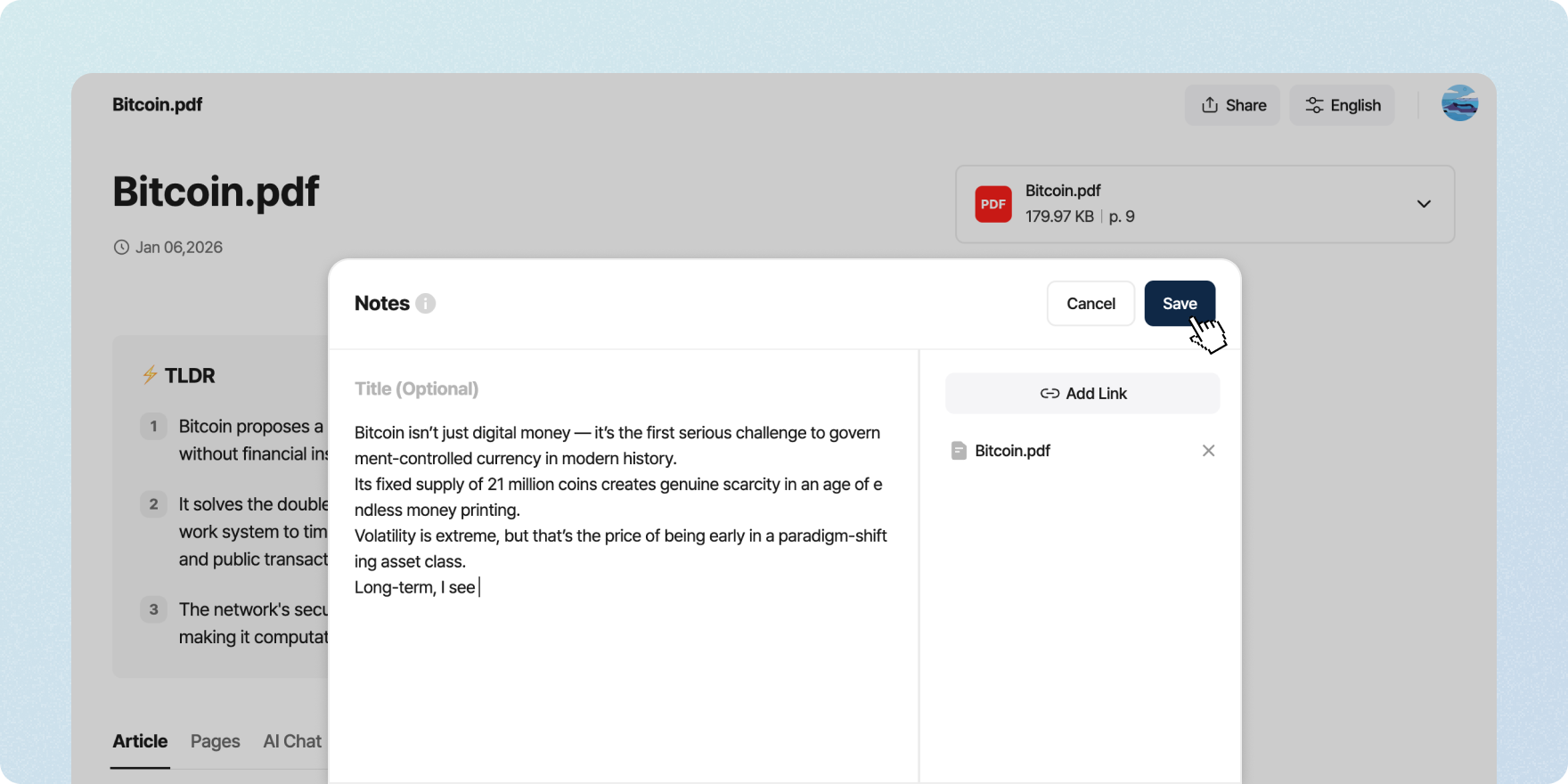
Tackle that growing pile of YouTube videos — key points first.
If you don't have time to watch everything, let LiveWiki summarize it. Now you can understand what a video covers quickly and easily, without watching it from start to finish.
Where LiveWiki is headed
Summarizing is only the beginning. LiveWiki will keep evolving so that your scattered material becomes knowledge, and that knowledge becomes something you create.


STEP 1. Digital Asset
Bring your scattered digital material — YouTube videos, PDF documents and more — into LiveWiki.
STEP 2. Summary
AI summarizes the essentials quickly, lowering the barrier to digital material.
STEP 3. Note
Record important thoughts and insights as notes, so your own knowledge accumulates.
STEP 4. Archive
Gather those insights into a personal knowledge archive you can actually put to use.
STEP 5. Re-Create
LiveWiki will become the starting point where organized knowledge turns into new ideas.
Frequently asked questions
Sign up, then paste the link to a YouTube video or upload the PDF file you want summarized. It works in desktop and mobile web browsers, and we also offer Chrome and Whale extensions.
All of LiveWiki is currently free. Just sign up and start using it — no payment required.
Enter the link to the video you want summarized, and LiveWiki uses AI to summarize its content automatically. You can review the summary anytime from the sidebar or your workspace.
Yes. LiveWiki offers free Chrome and Whale extensions. Install the extension from the link below, and a summary appears to the right of the video for you to read right away.
No. Only videos with captions can be summarized. Summaries are built from a video's captions, so if a video has no captions at all — not even auto-generated ones — it can't be summarized. Private and members-only videos, as well as live streams, aren't supported either.
Yes, they can. Upload the PDF and click Summarize to see the paper or report in a summarized, organized form.
If the text in the PDF cannot be selected — that is, the pages are images — summary quality drops. PDF summaries also have a monthly per-user limit, and summarizing may not run once you exceed it. You can check your monthly usage in your workspace.
LiveWiki supports content in any language, and accuracy is highest for English and Korean. We are actively improving accuracy for other languages as well.
Yes, you can. Your past summaries are available in the workspace on the LiveWiki website, including anything you summarized with the extension.
LiveWiki isn't a one-and-done summary tool. It's built so you can come back to what you've organized and connect it to everything else. It delivers accurate, well-presented summaries that make any content easy to take in — a good fit for anyone building a body of knowledge.